 Try Social Manager (AI Replies). Your first month is free to start today.

Mobile App Development
Mobile app developmentfor teams and fieldworkflows.
iOS and Android, including when the connection drops.
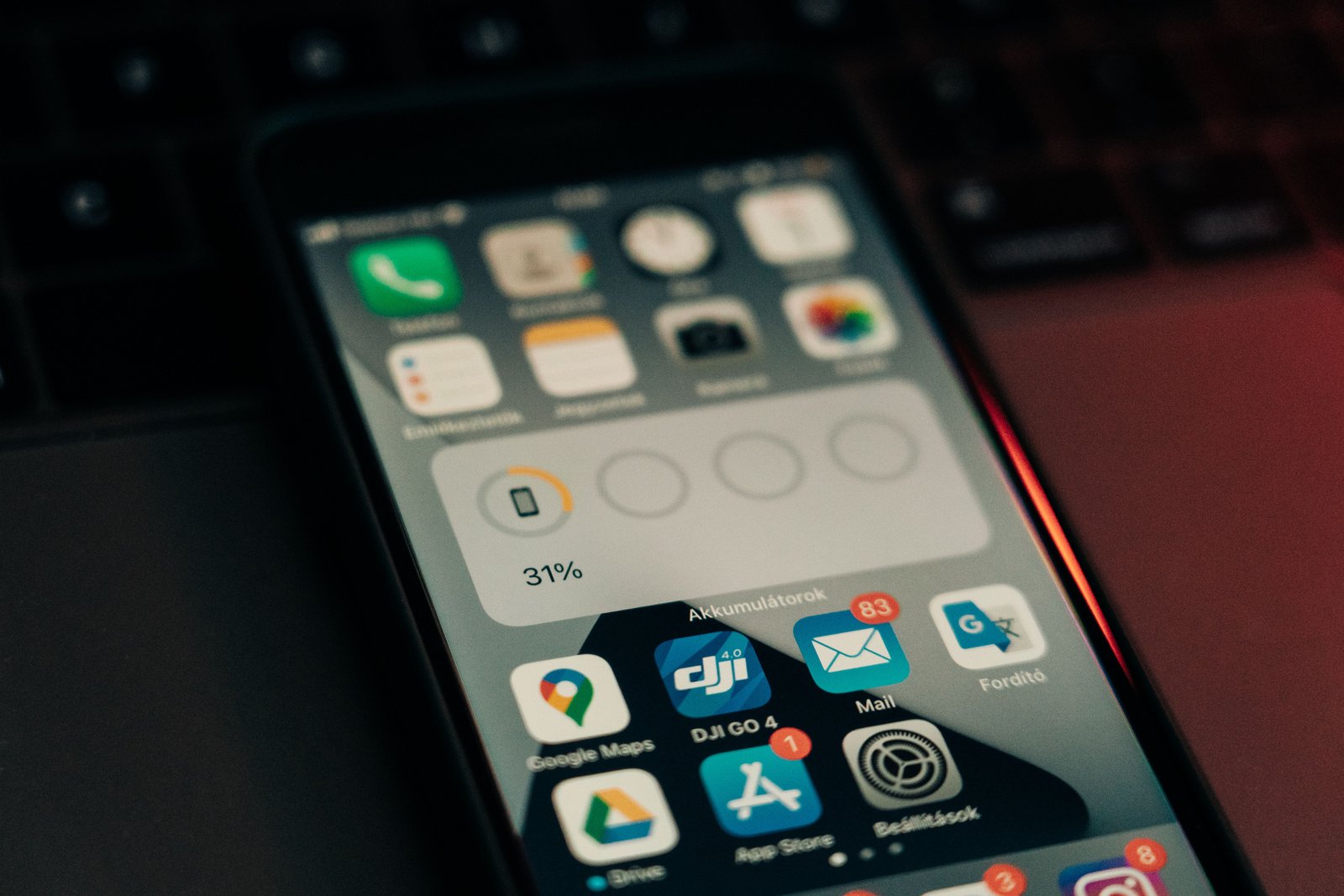
What's included in Mobile App Development
- →iOS & Android AppsApps ready for the stores, shaped around the jobs people actually do on a phone.
- →Apps for both storesOne codebase when both stores matter and the product can share the work.
- →App MaintenanceUpdates, store rules, and fixes after launch so the app does not stall.
Why NodeBrains
Why Choose NodeBrains?
Apps for the jobs people actually do on a phone, including when the connection drops.
- 01
Built for work in the field
When the job happens away from wifi, offline is in the brief. Notifications, camera, and store review are planned in, not added later.
- 02
Native or shared, from the job
We choose native or one codebase from what the app has to do, not from a default stack. You see the recommendation in planning.
- 03
You keep source and store accounts
Repositories and developer accounts stay with you. We prepare listings and builds, and stay through the first review if you want.
- 04
Still shippable after launch
OS versions and store rules move. Maintenance covers patches, reviews, and a path to the next feature, with a clear point to pause.
How we deliver
Our Mobile App Development process
Four stages. You see each one before the next starts, and you keep the work when it ships.
Define mobile app requirements
We write down what must work on a phone, including offline and edge cases.
Prototype the mobile app
A clickable path you can try before the full build.
Build and test the app
Weekly working builds. Store and device constraints stay in the plan.
Launch and support the app
Release, monitoring, and a clear way to patch. You keep the code.
Mobile App Development success metrics
- 01
App store rating
Reviews and listing quality after real use, not only at launch.
- 02
Rate without crashes
Stability on the devices and OS versions your users actually have.
- 03
User retention
People coming back because the job in the app is still worth doing.

Tech stack
Tools that fit your existing tech stack
- React Native
- Swift
- Kotlin
- TypeScript
- Expo
- Firebase
- App Store
- Google Play
- React Native
- Swift
- Kotlin
- TypeScript
- Expo
- Firebase
- App Store
- Google Play
Common questions
Mobile App Development FAQs
Plan your mobile app project.
iOS and Android, including when the connection drops.